Galleries

  • Mech WIP

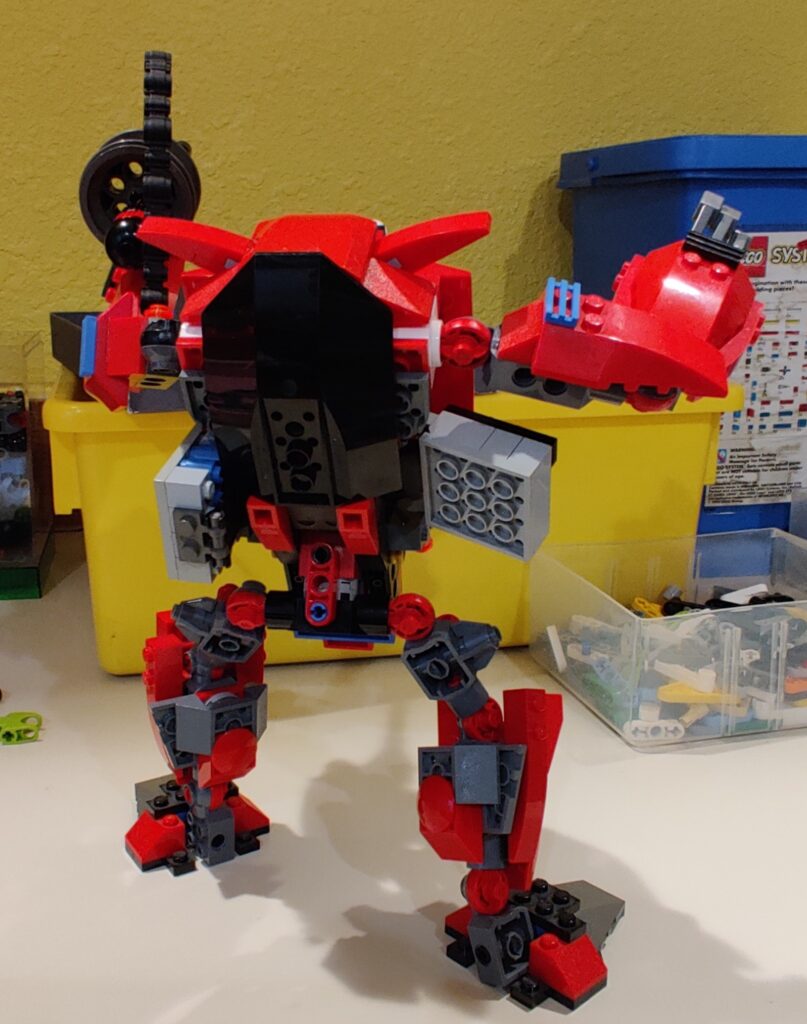
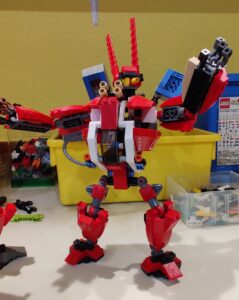
    I left my dark ages with the advent of Exo-Force and the ‘giant’ mecha that was the basis for that theme. So I built the sets, particularly getting 4-5 of the Grand Titan. From that I made a few different versions of my own, large, red, mech.
    lego robot

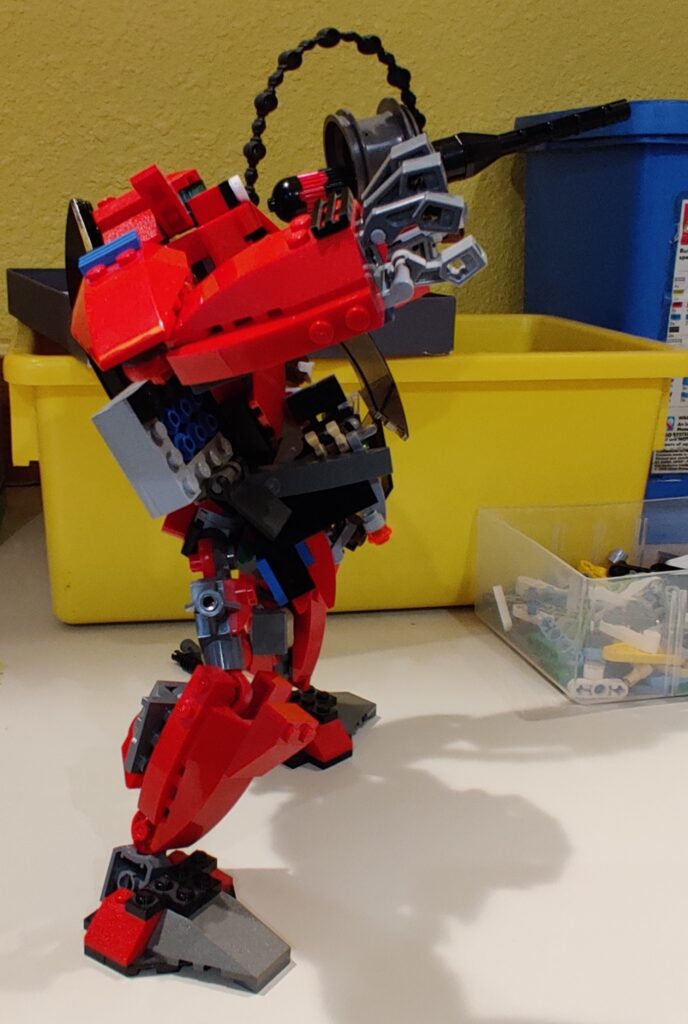
    This is one that survived a few moves and lots of playing and roughhousing. I basically kept the legs from the Titan. The arms a little more modified and then mirrored as I wanted two hands vs. hand+weapon.
    Lego robot

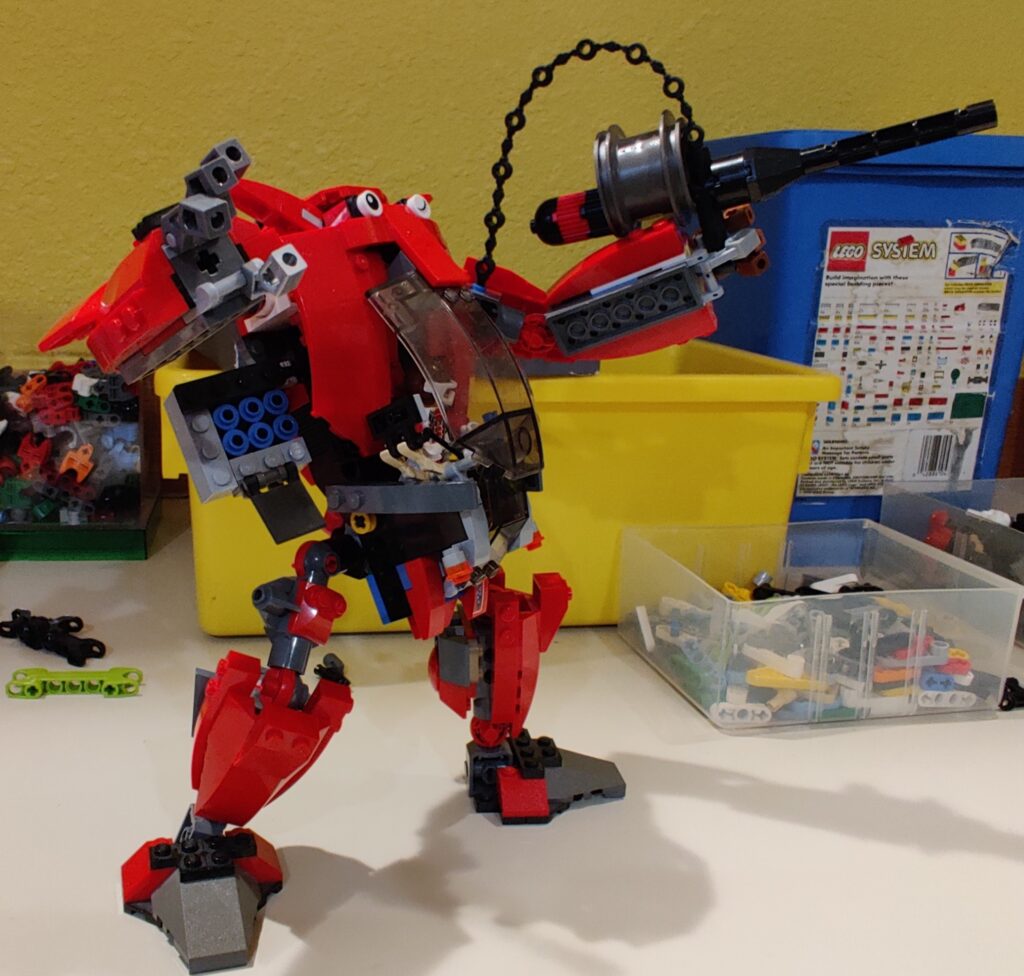
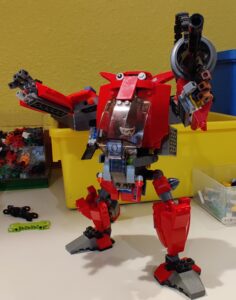
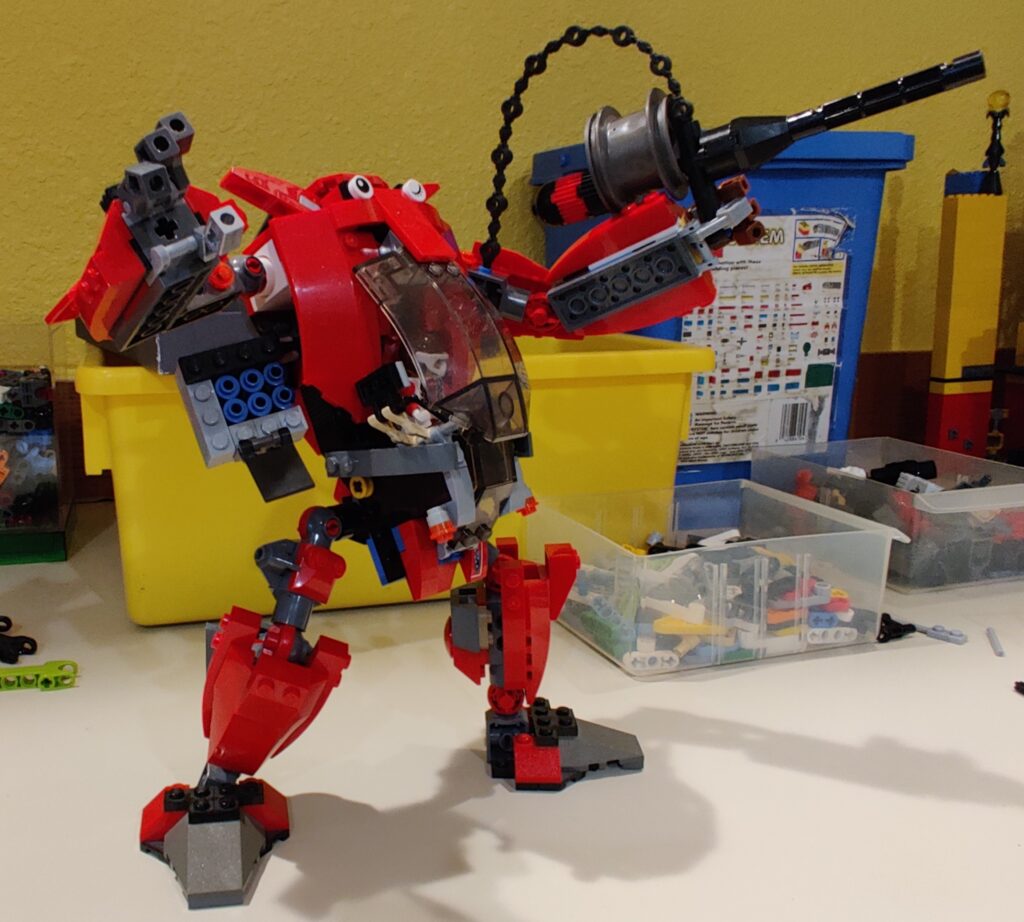
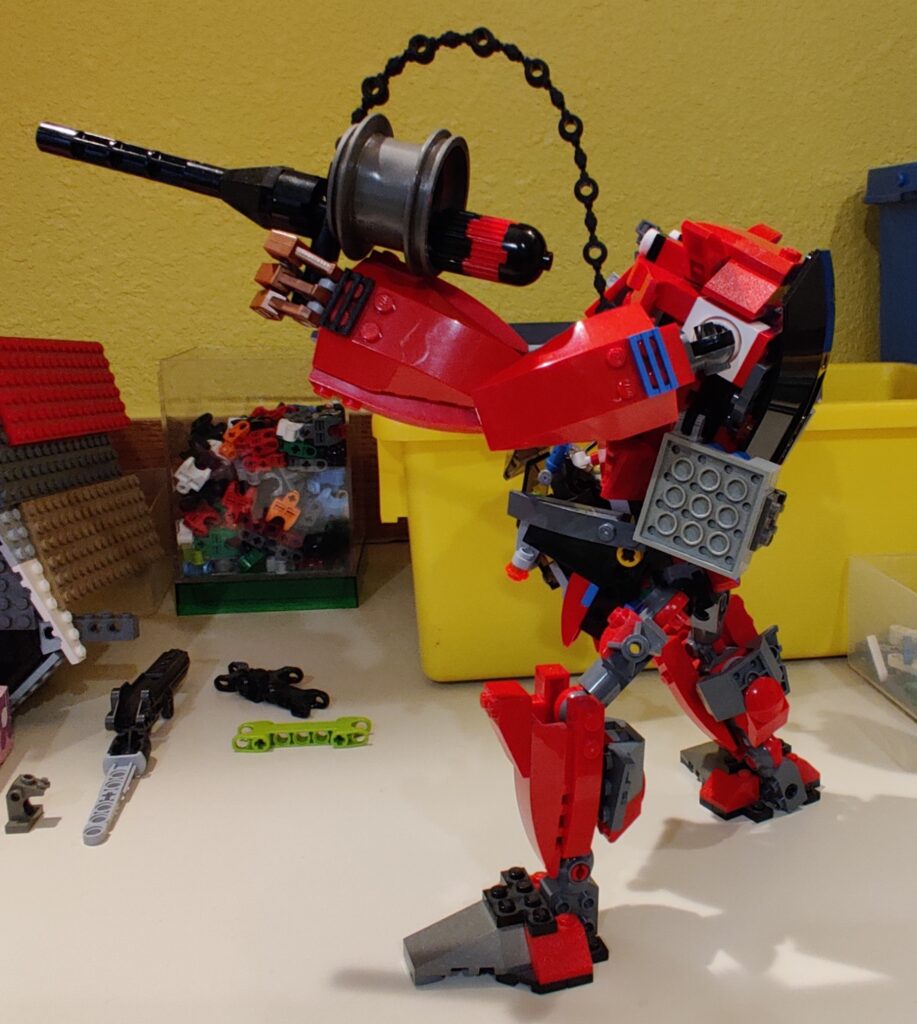
    This is the work in process that I have titled this post about. It looks rather complete, especially as I reused the arms and legs again. The torso is together but feel like I could do better. Particularly the seat for the minifig is strongly tied to the legs but that’s not so strongly tied to the torso.

    I also like to refine all the pieces in use the least necessary, so there is a lot of optimization to be done. I think the leg segment, which is at 33deg from the torso, could be connected better with clips and strengthened internally.

    I’m pleased with the ‘head’ of the mech, I’m calling this a Medium Armored Aardvark. The winking eye really ties it together for me.
  • Kubernetes Cheat-sheet

    Kubernetes Cheat-sheet

    kubectl get pods -n namespace ### get the id of the pod just made for given namespace

    kubectl logs namespace-tag-6b59cf4fbc-k5wdc -n namespace ### show the logs of what’s happening to it

    kubectl get ingress -A ### get a list of ingress points for all namespace

    kubectl get svc -A ### get a list of all services running for all namespaces

    kubectl exec -it container-tag-6b59cf4fbc-k5wdc -n namespace sh ### open container and run shell on it

    helm template -f values.yaml . > deployChart.yaml ### run the chart against template but just output to file

    helm install -name appName . -n namespace --create-namespace ### make stuff from current folder from Chart.yaml

    helm install -name appName. -n namespace --debug --dry-run ### try out creation but don’t actually make

    helm uninstall appName-n namespace ### delete stuff via helm

    kubectl get pods --field-selector=status.phase!=Running -A ### get all the pods that are not running

    kubectl get deployments -A ### get all the deployments

    kubectl edit deployment spark-query -n namespace ### edit the one deployment ‘spark-query’

    kubectl scale deployment portal -n namespace --replicas=1 ### add one pod to ‘portal’ service

    kubectl get deploy -n namespace -o yaml ### output the deployment to new yaml file

    kubectl edit deploy appName -n namespace ### edit the deployment in vi

    kubectl edit cm appName -n namespace

    kubectl describe pod container-tag-6b59cf4fbc-k5wdc -n namespace ### get details on pod

    kubectl get secret -n namespace

    kubectl edit secret default-token-qcnfb -n namespace

    kubectl create secret generic azure-app-secret --from-literal=azurestorageaccountname=storageName --from-literal=azurestorageaccountkey=[key]  -n namespace

    kubectl delete pod --all -n namespace ### delete all the pods in namespace

  • Docker Cheat-sheet

    Docker Cheat-sheet

    Some semi-random commands for Docker.

    Image commands:

    docker --help #to list all commands
    sudo docker images -a -q #return just the ID of all images
    sudo docker rmi <image name> #to remove a specific image

    Working with containers:

    sudo docker ps -a -q #return just the ID of all containers
    sudo docker rm <container name or ID> #to remove specific container

    The one’s that I needed while working with Azure:

    docker login m1dev.azurecr.io --username 00000000-0000-0000-0000-000000000000 --password $TOKEN
    az acr login --name m1devcr

    *** if this fails, try to clear account on server

    Az account clear

    –goto directy with docker file and run?

    sudo docker build -t <acr service name>/<acr repo>/<image name>:<image tag> <Path to dockerfile>
    #i.e. - sudo docker build -t m1dev.azurecr.io/path/portal:version.R21.0.10 portal

    –tag is version number, might be in helm chart

    docker push <acr service name>/<acr repo>/<image name>:<image tag>

    Found this fix for build failure with copying too many files in a row – https://stackoverflow.com/questions/51115856/docker-failed-to-export-image-failed-to-create-image-failed-to-get-layer

    DOCKER_BUILDKIT=1 docker build --tag app:test 

    –used build.sh provided and then these:

    docker tag /data/portal:latest m1dev.azurecr.io/path/portal:version.R21.0.10
    docker push m1dev.azurecr.io/path/portal:version.R21.0.10

    https://docs.docker.com/engine/reference/commandline

    docker system prune  --all

    Pull from another repo-

    #put your password in a file and then run the login command, reading the file

    nano ~/my_password.txt
    cat ~/my_password.txt | sudo docker login -u TIdev1 --password-stdin TIdev1.azurecr.io

    #the list of images to pull from another repo-

    sudo docker pull TIdev1.azurecr.io/path/analytics/api -a
    sudo docker pull TIdev1.azurecr.io/path/analytics/bootstrap -a
    sudo docker pull TIdev1.azurecr.io/path/analytics/web -a
    sudo docker pull TIdev1.azurecr.io/path/data/mysql-client -a